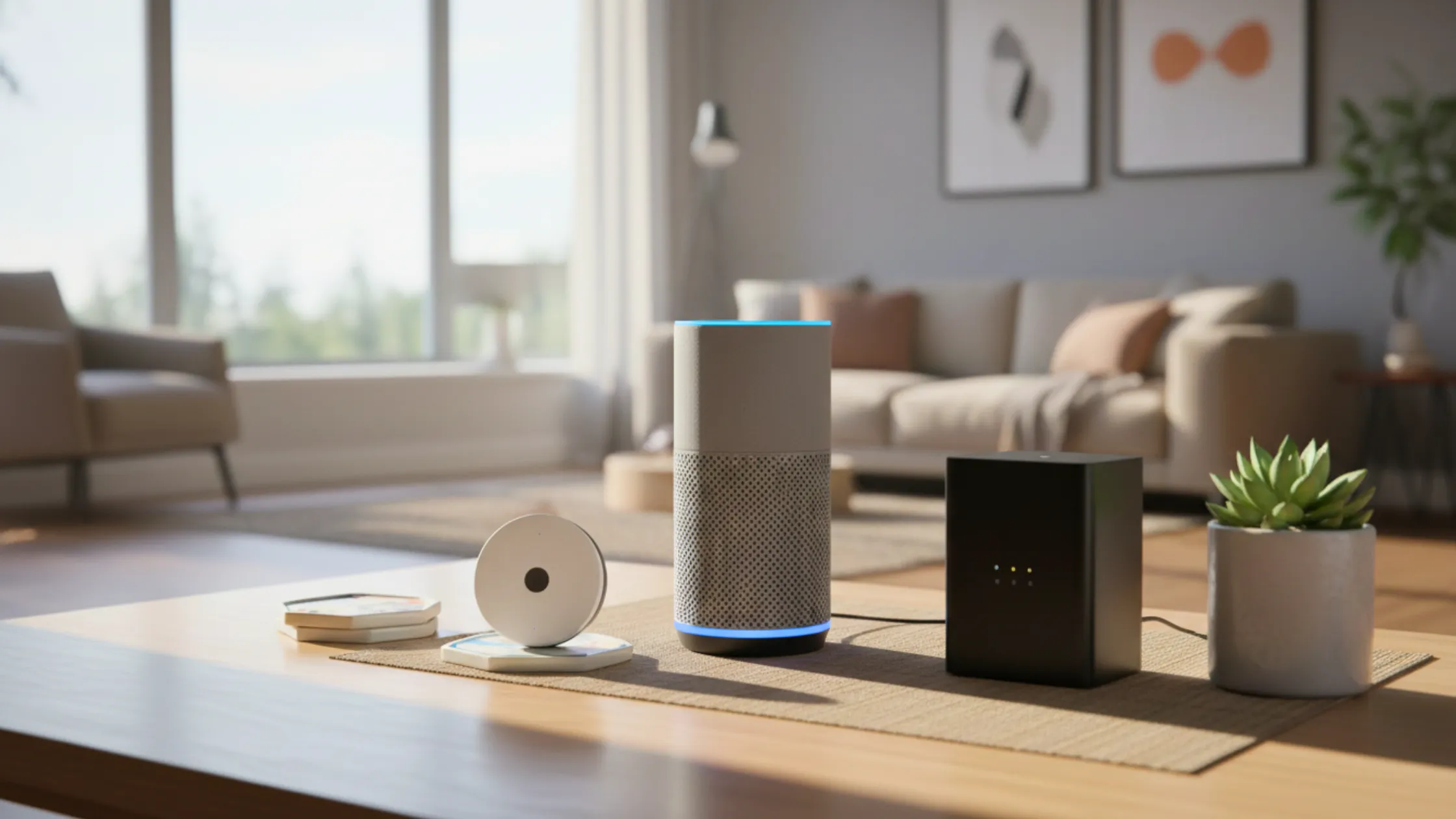
Smart home technology is playing an increasingly important role in helping older adults stay safe and independent at home.
Many families are now exploring tools such as voice assistants, smart lighting, and fall detection sensors to support daily routines. At the same time, there are common concerns about complexity, privacy, and whether these devices will work reliably when needed.
When chosen carefully, smart devices can act as practical support tools rather than replacements for caregivers or physical home upgrades.
This guide explains what to know before selecting smart home devices for aging in place in 2026.
How Smart Home Devices Support Aging in Place?
Smart home devices can make everyday living safer and more convenient. Voice controls, automatic lighting, and alert systems reduce the need for constant physical assistance. This can help seniors manage daily tasks while maintaining independence.
These tools are especially helpful for people living alone or with limited supervision. When used thoughtfully, they provide quiet, ongoing support without changing familiar routines.
The most effective systems are simple to use, reliable in emergencies, and flexible enough to adjust as needs change over time.
What to Look for in Smart Home Devices for Seniors?
Ease of use is one of the most important features. Devices that respond to simple voice commands are often easier than those that rely on small buttons or screens. Reliability during emergencies also matters, especially for systems that send alerts.
Devices should require minimal setup and maintenance so they remain dependable without frequent adjustments.
Compatibility with existing home safety features, such as grab bars or improved lighting, helps everything work together. Avoiding overly complex systems reduces frustration and increases the chance that the technology will be used consistently.
Voice-Activated Assistants for Seniors (Alexa & Google Home)
Voice-activated assistants allow users to control parts of the home without touching switches or screens. Simple commands can turn on lights, set reminders, make phone calls, or ask for help.
Both Alexa and Google Home offer similar everyday functions. Some users prefer Alexa for its wide range of compatible smart devices, while others prefer Google Home for its natural voice responses and search features.
For older adults, the main benefit is hands-free control, reducing the need to move around the home unnecessarily.
These devices can be especially helpful for seniors with limited mobility, reduced vision, or balance concerns. Basic setup should focus on essential features only, with clear voice commands and simple routines that are easy to remember.
Smart Lighting and Home Automation for Fall Prevention
Smart lighting can reduce fall risk by keeping important areas well-lit. Motion-activated lights in hallways, bathrooms, and staircases turn on automatically when someone walks by.
Voice-controlled lighting lets users turn on lights before standing up or entering a dark room. Automated routines can keep lighting consistent throughout the day and evening.
These tools work best when combined with physical safety upgrades such as non-slip flooring and grab bars.
Together, they improve visibility and reduce the chance of missteps during daily movement.
Fall Detection Devices and Motion Sensors for Seniors
Fall detection devices are designed to recognise sudden changes in movement and send alerts when a fall is suspected. Some are worn as watches or pendants, while others use in-home sensors that monitor activity patterns.
Wearable devices move with the person and can provide protection both inside and outside the home. In-home sensors work quietly in the background and do not need to be worn.
In 2026, families should look for devices with accurate detection, clear communication, and reliable alert delivery.
Fast response systems and backup power options are especially important for consistent protection.
Medical Alert Systems for Aging in Place
Medical alert systems allow users to call for help quickly during emergencies. Basic systems use a single button that connects to a response centre.
More advanced systems may include fall detection, GPS tracking, and two-way voice communication. Many require a monthly subscription in addition to the device cost.
These systems are often most helpful for seniors living alone or those with a history of falls or medical concerns. Reliable connection and easy-to-reach buttons are key features to consider.
Smart Door Locks, Cameras, and Home Security for Seniors
Smart door locks reduce the need to handle keys, making entry and exit easier for people with limited grip strength. Some models unlock the doors automatically when the user approaches.
Video doorbells let residents see who is at the door without having to walk to the door, which can improve safety and convenience. Security cameras can help monitor entrances when family members live far away.
When using security devices, privacy settings should be reviewed so monitoring remains respectful and comfortable.
Smart Home Devices vs Physical Home Modifications
Technology is most effective when it supports physical safety upgrades rather than replacing them. Devices cannot remove hazards such as slippery floors or high bathtub edges.
Physical changes like grab bars, walk-in showers, and non-slip flooring address risks directly. Smart devices can then add extra visibility, communication, and awareness.
Planning both together creates a balanced aging-in-place strategy in which each tool enhances overall safety.
Cost of Smart Home Devices for Aging in Place
Smart home costs vary based on the type and number of devices. Voice assistants and smart bulbs are often low-cost one-time purchases.
Fall detection and medical alert systems may include monthly service fees. Some families begin with a few essential devices and expand over time as needs change.
Starting small allows users to become comfortable with the technology while keeping expenses under control.
Common Mistakes to Avoid When Setting Up Smart Homes for Seniors
Installing too many devices at once can make the system confusing. Choosing advanced features that go unused often leads to frustration.
Internet and power backup needs are sometimes overlooked, even though they are important during outages. Clear explanation and practice help ensure devices are used with confidence.
Conclusion
Smart home devices can provide practical support for safe, independent aging when chosen carefully.
Focusing on simple, reliable tools makes daily routines easier without adding complexity. Technology works best when paired with physical home safety upgrades such as grab bars and non-slip flooring.
By selecting devices thoughtfully and adding them gradually, families can build a home environment that supports independence, comfort, and long-term safety.
Leave a Reply